How Touch Memory key copying works — process and equipment
What actually happens when a TM key is duplicated: reading the 64-bit ROM, choosing the right rewritable blank, the write routine, and verification — plus which copier fits a shop counter, a mixed estate or field batch work.
Authorised TM key duplication involves reading the source ID, choosing a suitable blank, writing it and reading it back. Matching IDs do not establish identical electrical behaviour or compatibility; verify acceptance with the target controller and firmware. Follow these five checks:
- Read the master key. For a supported 1-Wire credential, read and record the ID with a compatible device. Keep the master, readout and blank version identifiable so later results can be compared.
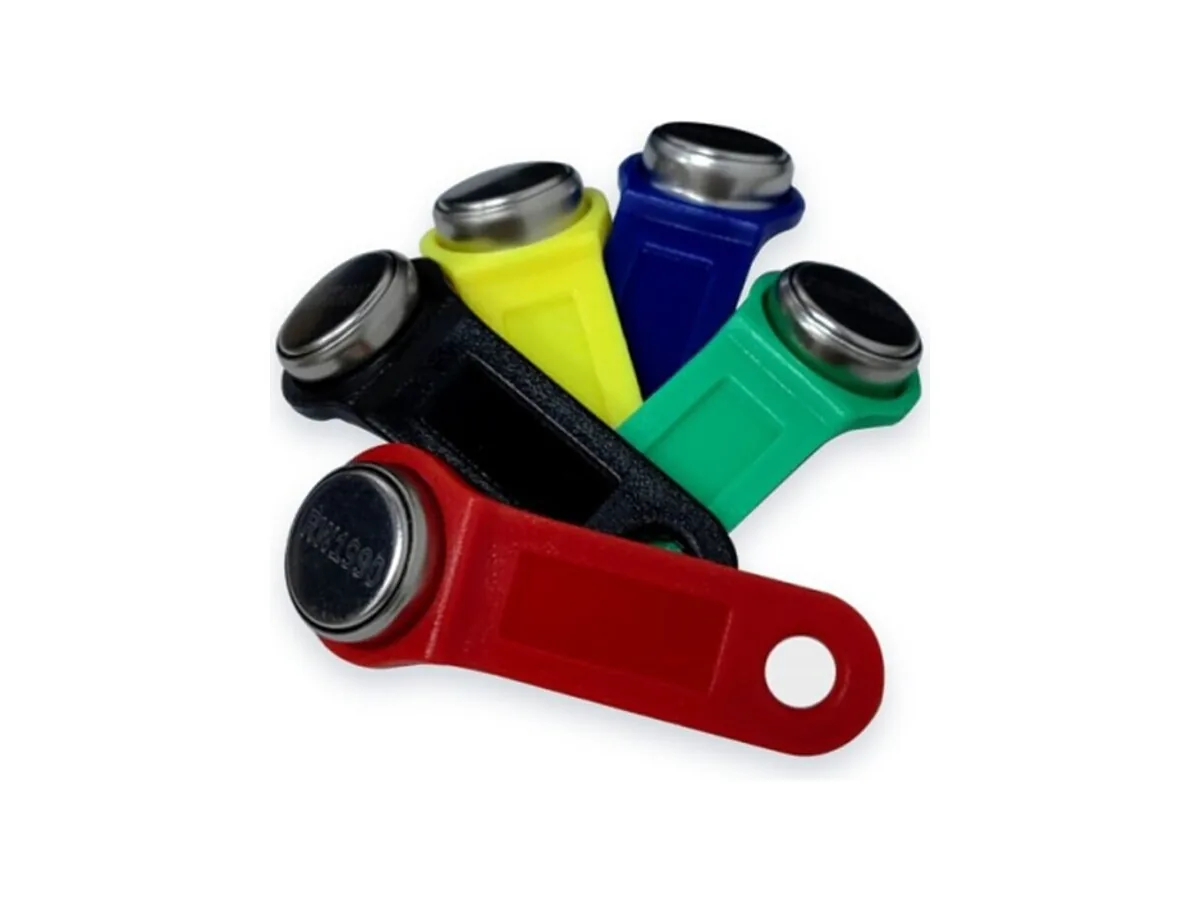
- Pick the blank for the door’s branch. Confirm the panel format, firmware and supplied blank version, then check your writer support list. RW1990 is a candidate for supported Dallas/1-Wire applications. Verify other formats and any write-lock requirement separately.
- Write the ID into the blank. Use the routine documented for that blank version and supported by your writer firmware. Record the device, settings and result. Programming time and support cannot be inferred from the RW1990 name alone.
- Verify by reading the copy back. Read the programmed blank back and compare the recorded ID with the intended value. A success light is not a substitute for readback; correct readback still needs an acceptance test on the target system.
- Test on the door. Test the programmed blank on the authorised target system and record both successes and failures. The same ID does not guarantee identical timing or panel acceptance. Recheck format, version, write results and controller settings if the original works but the blank does not.
| Task | Tool | Notes |
|---|---|---|
| Shop-counter workflow | TMPRG_Easy | Candidate device: confirm the exact version, supported blanks, operating instructions and status indications before purchase. |
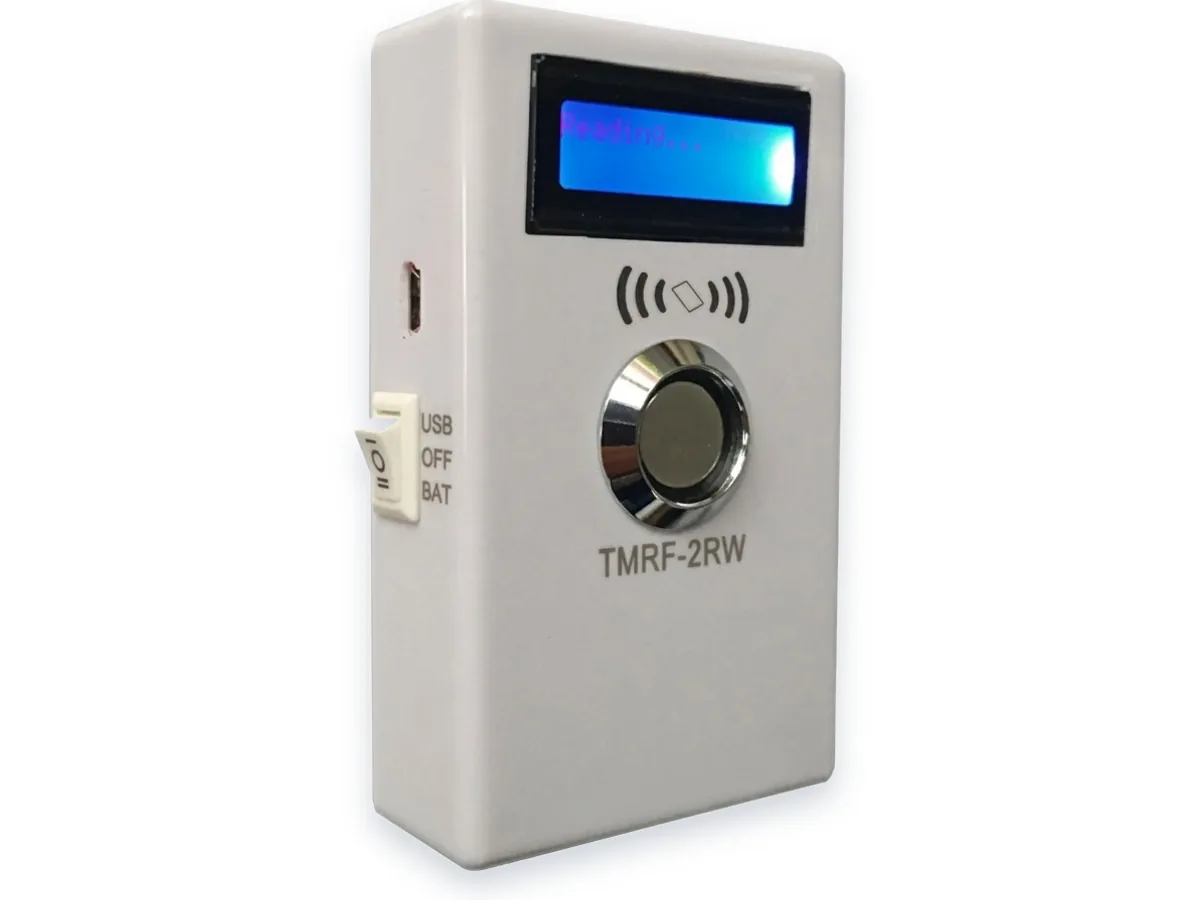
| Mixed estate — TM doors plus 125 kHz RFID | TMRF-2RW | Ask for the support list for both contact keys and RFID formats. Verify the supplied RW1990 version and each required credential on a sample device. |
| Batch pre-coding and issue logs | TMPRG_D | Confirm software and operating-system support, batch workflow, offline power and log export against the supplied device documentation. |
| Consumables | RW1990 · RW2000 · TM08v2 · TM-01A | Match each candidate version to the documented format, writer firmware and target panel, then approve tested samples. |
Can a key be copied without a dedicated device?
A supported contact writer or programmer is required for the supplied blank. A phone NFC interface alone cannot write a contact TM key. Verify any accessory, software and programming routine against the blank and device documentation.
Why can’t the original DS1990A itself be rewritten?
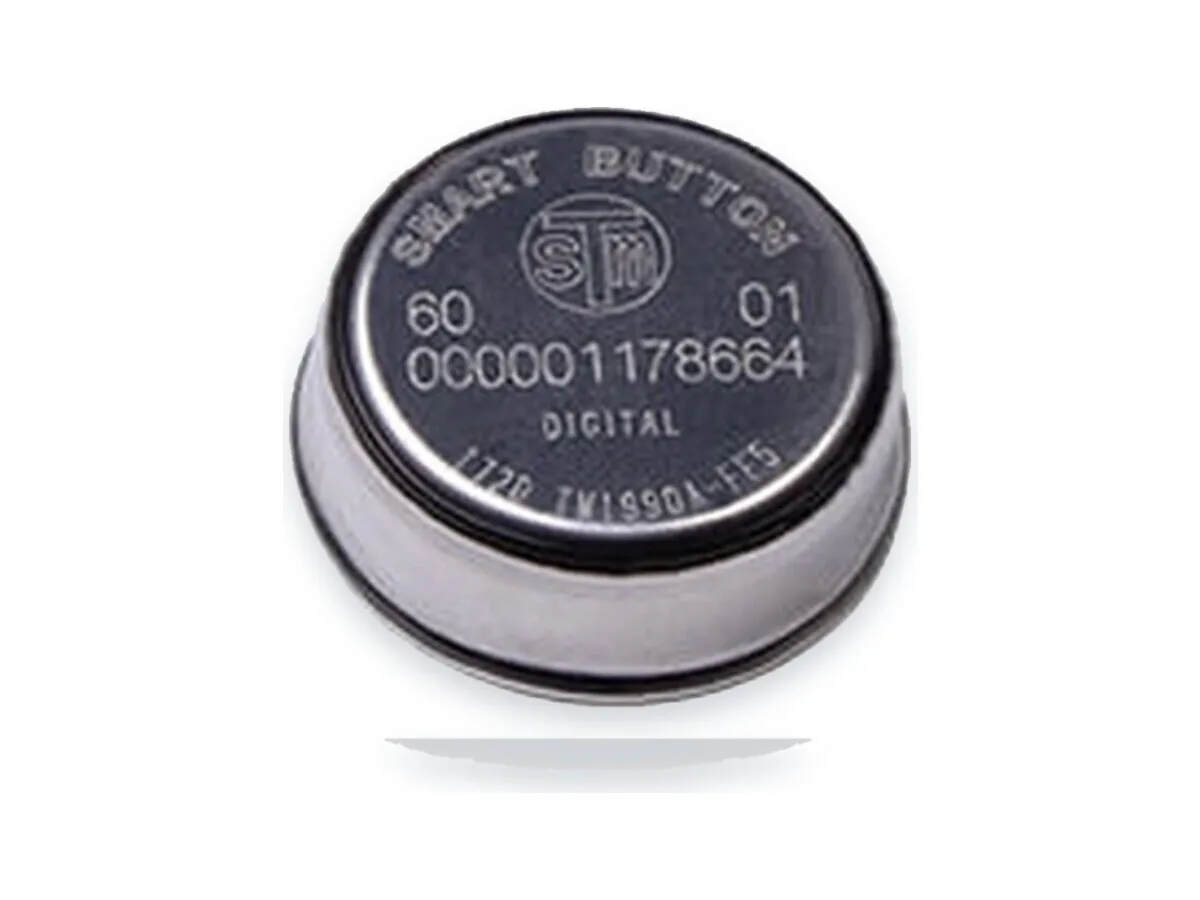
The original DS1990A has a factory-programmed, read-only ROM. RW1990 is a different programmable blank; writing an ID to it does not make it an original DS1990A or establish identical behaviour. Confirm the supplied version and test it with the target system.
Does a copy behave exactly like the original?
Not necessarily. Matching the ID is only one part of a functional check; the blank version, electrical behaviour, timing and panel firmware can matter. Confirm readback and test the actual system. OTP write locking alone does not prevent a readable ID being copied elsewhere.
Can the same device copy RFID fobs too?
Some devices support both contact and contactless credentials, but verify the exact device version, firmware, RFID format and blank support list. Do not infer support for every RFID credential from a dual-technology label.
Related products: TMPRG_Easy · TMRF-2RW · TMPRG_D · RW1990 · TM08v2
Buying blanks for resale or key services? Review the version, sample checks and bulk-order requirements: RW1990 wholesale supply
Dallas, Maxim and iButton are trademarks of their respective owners. Touch Memory China is not affiliated with these trademark owners.