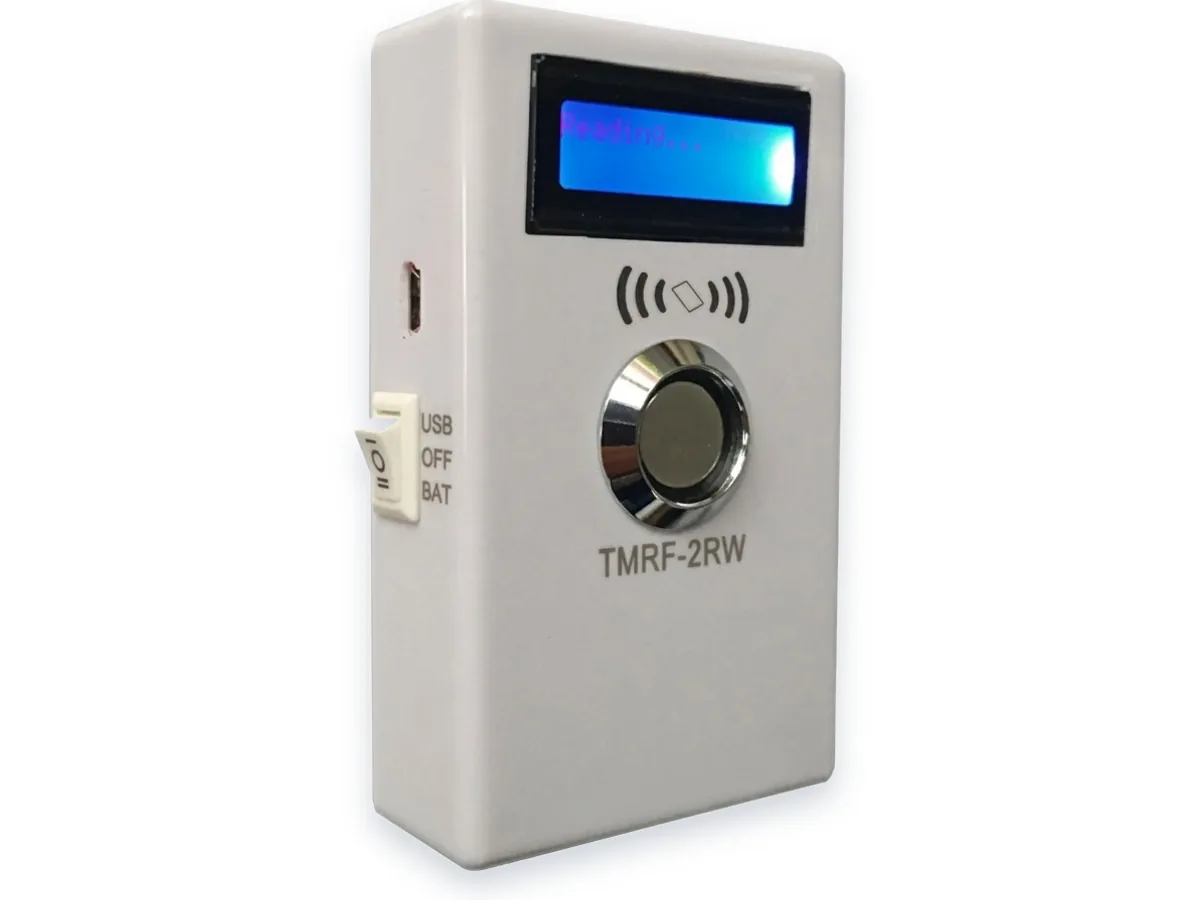
TMPRG_Easy Key Copier
One-touch copier — no PC and no menus.
Plug in the 5 V adapter, touch the key you want to copy (the red LED blinks), then touch a blank — the blue LED lights and the buzzer sounds once to confirm the write. Copy as many blanks as you like from the same master; touch the master again to end. Designed for simple operation with only a few steps.
Ordering information
| MOQ | Confirmed by model and order when quoting |
|---|---|
| Preparation time | Availability and lead time are confirmed by model and order when quoting |
| Packing | Confirm pack quantity, protection and labelling for the selected model. |
| Samples | Sample quantity, fees and shipping are confirmed for the selected model. |
| Payment | Agree payment terms and the payee in the quotation and invoice. |
| Shipping | Confirm the shipping method, cost and timing for your destination and order. |
| Customization | State ROM, colour, marking and packing needs; feasibility and cost require confirmation. |
Key features
- One-touch copier — no PC, no menus. Touch the master (red LED), touch a blank (blue LED + buzzer = written).
- Copy any number of blanks from one master; touch the master again to end.
- Intended to copy TM1990A-F5 masters onto TM1990B / RW1990 / TM2008 blanks; DC 5 V adapter. Test a sample with your own master and blanks before ordering.
- One-touch operation with no menus, intended for shop-counter use.
Specifications
| Protocol | Confirm source-key and blank versions, firmware and sample results before copying TM1990A-F5 to TM1990B / RW1990 / TM2008 |
|---|---|
| Options | DC 5 V adapter; red LED = read, blue LED + buzzer = write OK |
Typical applications
Frequently asked questions
How simple is the copy workflow really?
Plug in the 5 V adapter, touch the master key (red LED blinks), then touch blanks one after another — each write is confirmed by a blue LED and a single beep. Touch the master again to finish. The steps are short enough for a shop assistant to learn quickly.
Can it copy several blanks from one master?
Yes — copy as many blanks as you like from the same master in one session; the cycle only ends when you touch the master again.
Does it need a PC or any configuration?
No PC and no menus — it is deliberately a one-touch device. For batch pre-coding, logs and PC upload, step up to the TMPRG_D.