iButton key not reading? A 10-cause troubleshooting ladder
A key that reads nowhere, reads sometimes, or reads on one door but not another — each pattern has different causes. A test-first ladder covering dirty contacts, wrong blank formats, reversed wiring, ground loops, worn readers and dead keys.
Record the symptom: failure on several known-working devices suggests checking the key; intermittent reads suggest contact and wiring checks; acceptance at only some doors calls for format and controller-registration checks. The table gives diagnostic directions; testing must establish the cause.
| Likely cause | How to check | What to do |
|---|---|---|
| Dirt or oxide on the key or reader contact | Look at both faces under light — grease, paint or a grey oxide film are visible | Wipe key and contact with isopropyl alcohol; chrome-plated copper contacts wipe themselves partly clean on each touch |
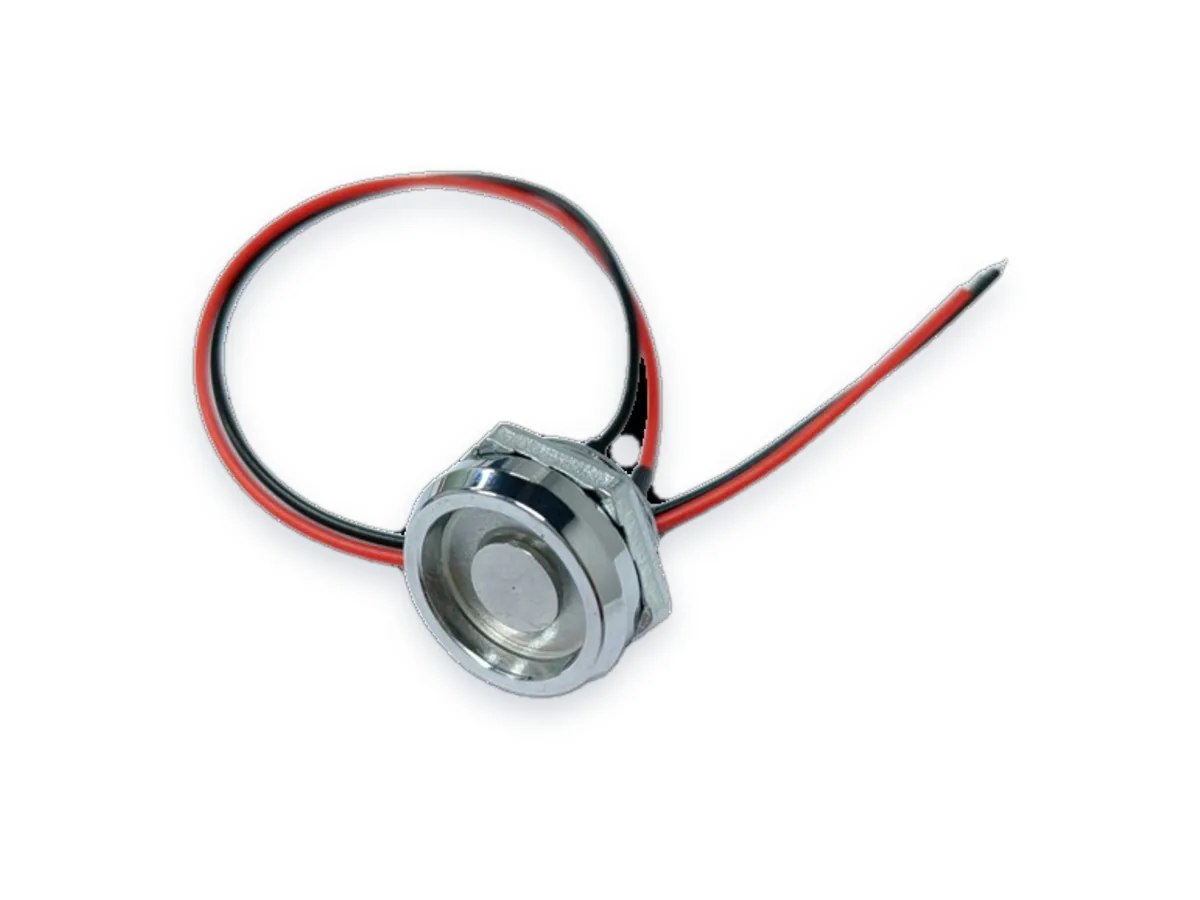
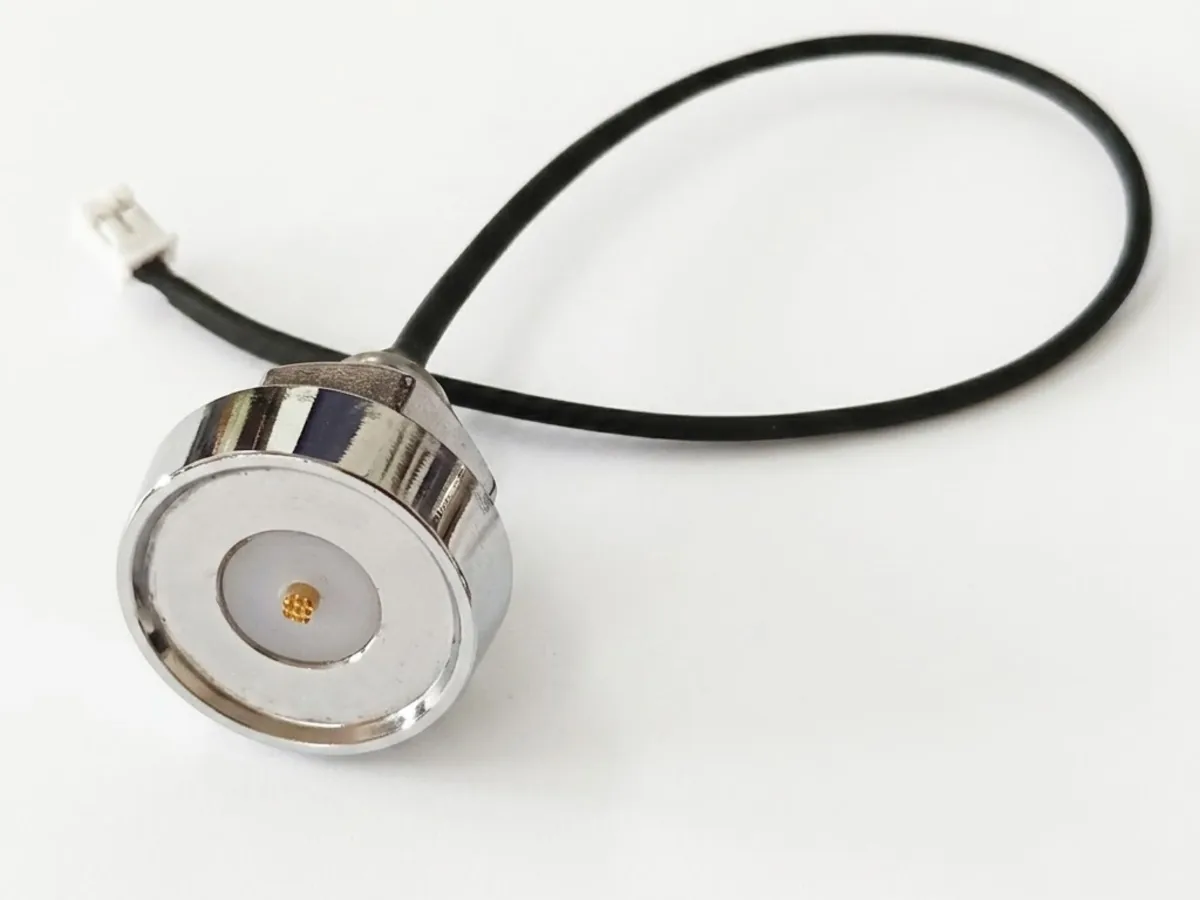
| The key never bridges both contacts | Hold the key flat and centred for a full second instead of tapping at an angle | If mis-landing is chronic, fit a probe with a guide ring (TMR-01A) or a magnetic reader (TMR-03) that seats the key itself |
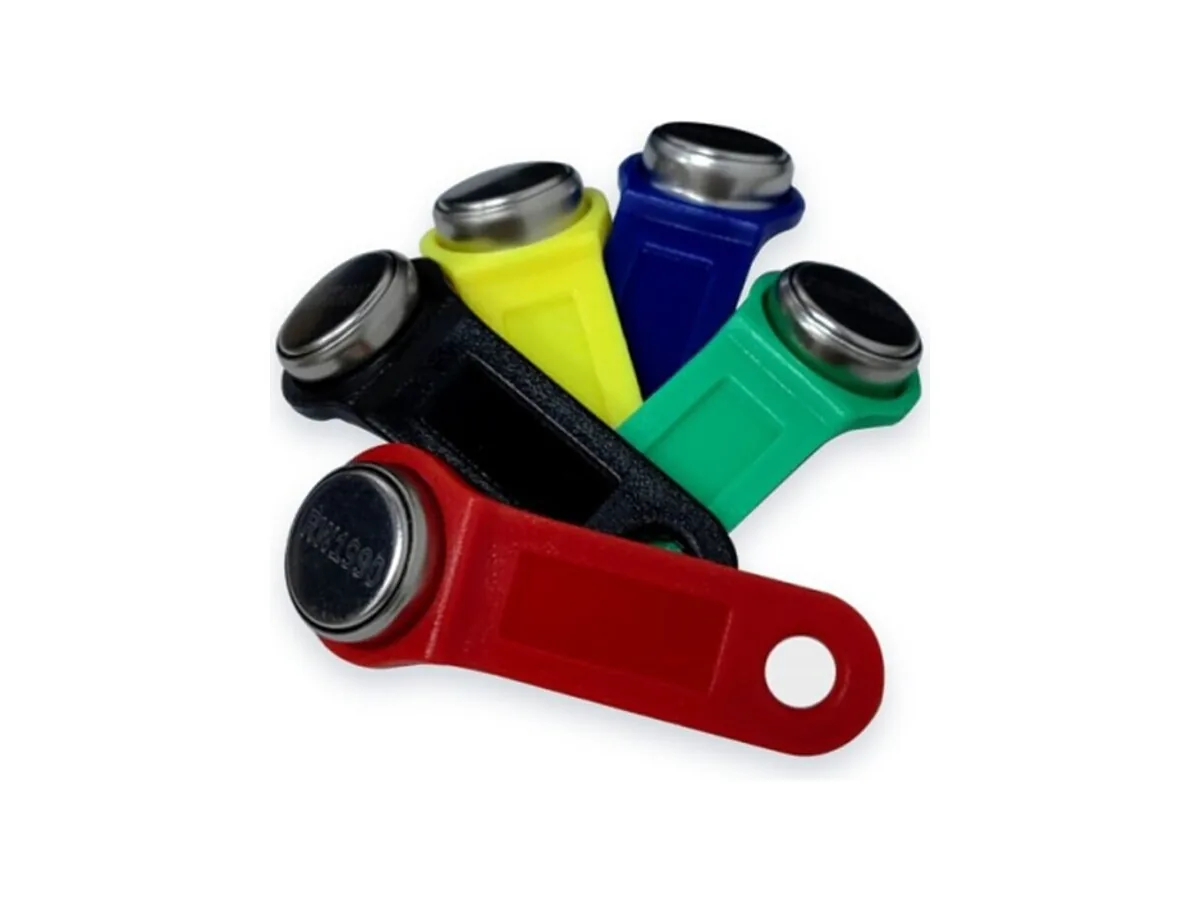
| The credential format may not match the panel | Read the exact panel model and firmware, then check its supported credential formats. A logo or unreadable key alone does not identify the format. | Select a candidate blank documented for the required format and supported by your writer. For RW1990, confirm the supplied version, then test writing, readback and acceptance on the actual panel. |
| The copy was written to an incompatible blank generation | Check the exact blank version against the writer support list and firmware. A similar model name or success message is not enough to confirm a completed write. | Re-copy onto the blank family your duplicator explicitly lists; verify by reading the ID back after writing |
| DATA and GND reversed after a panel repair | With power removed, compare actual continuity with the supplied reader and controller diagrams. Do not use colour alone to identify data and return. | Correct any verified mismatch according to the documented pinout, then retest with a known-good credential supported by the system. |
| Ground loop: metal probe body on a metal panel sharing controller ground | Reads fail intermittently on site but the same probe works on the bench | Check the grounding and isolation requirements in the reader and controller documentation. Change the wiring or reader only after the cause is verified, then repeat the same test. |
| Broken lead or cold joint at the probe tail | Hold a key on the contact and flex the cable near the probe — reads that come and go point to the tail | Re-terminate or replace the probe; on doors that flex, specify a longer service loop |
| Reader worn out after years of touches | Plating worn through to base metal, loose centre pin, or every key reads poorly — not just one | If wear is confirmed, replace the reader with a model validated for the key and controller. Confirm contact endurance from that reader’s documentation. |
| The key is not in the controller database — or was deleted | Check the controller log for a successfully read ID and the access decision. Beeps and LEDs differ by device and do not alone prove correct reading or registration. | Ask the administrator to check the recorded ID, permissions and controller logs. Re-enrol only if the configuration requires it; also check hardware if reading remains unreliable. |
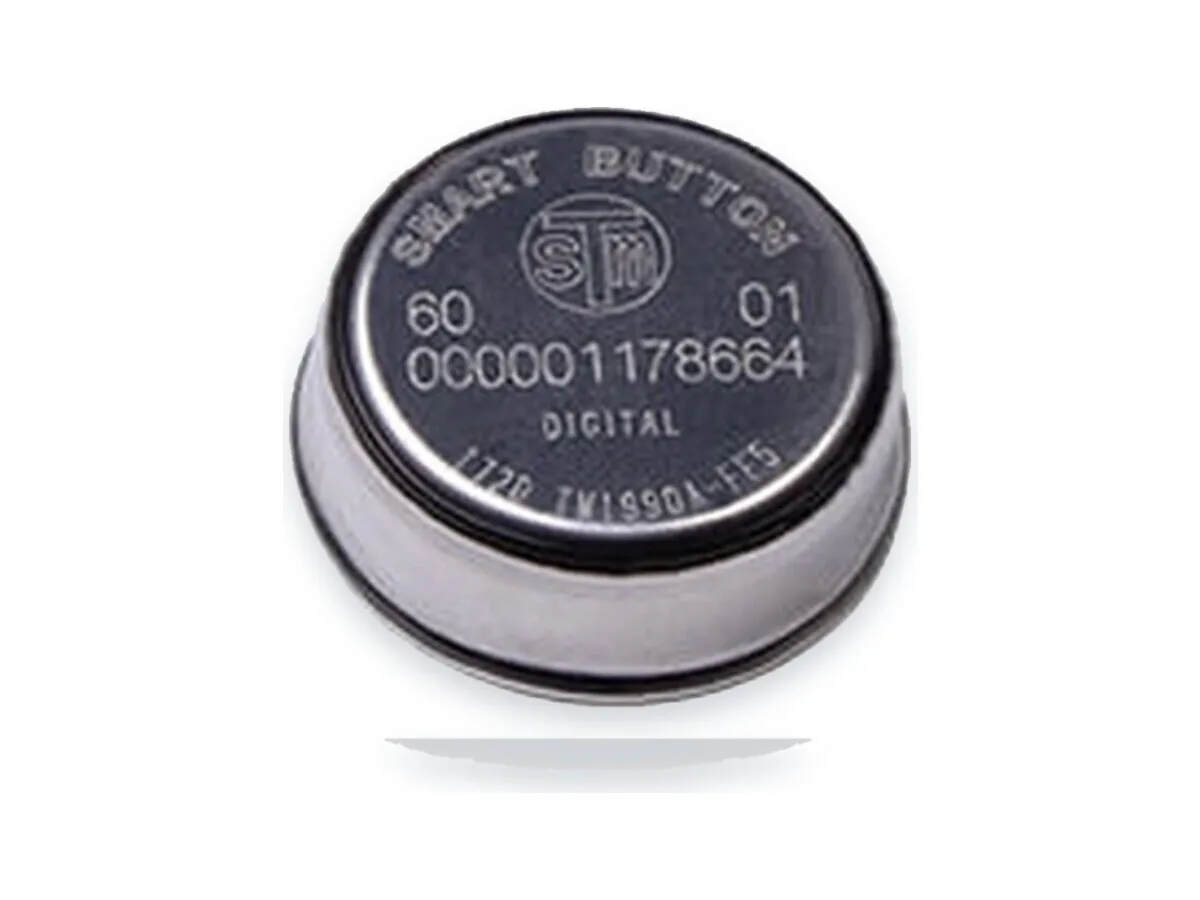
| The key itself is damaged | Use a known-good reader that supports the credential format and compare with a working key. Inspect physical damage, but isolate format, contact and controller causes before concluding the chip has failed. | Replace a key only after a supported reader and known-good comparison key isolate the fault. Original DS1990A uses power from the reader; a reading failure has other possible causes besides physical damage. |
Can an iButton key “run out of battery”?
The original DS1990A draws operating energy from the reader contact rather than a replaceable battery. For TM1990A-F5 and RW1990, confirm the supplied specification. Check reader power, contact condition, wiring, supported format and controller registration when a key fails to read.
Why does my key open one door but not another?
The doors may use different formats, firmware or access settings. Compare the model and configuration of both systems and check the controller logs. A beep or flashing light alone does not confirm successful ID reading or authorisation.
Does frost stop Touch Memory keys from reading?
Low temperature, condensation or ice can affect the key, contacts, reader and controller differently. Confirm each component’s rated conditions for the supplied version and test the complete setup. Do not assume the original DS1990A temperature range applies to TM1990A-F5 or RW1990.
How long does an iButton key last?
Service life depends on the supplied version, contact wear, handling and environment. No verified touch-cycle rating or service-life duration is currently available here for TM1990A-F5 or RW1990. Request supporting documentation and agree a relevant endurance test before specifying a lifetime.
Related products: TMR-01A · TMR-03 · TMR-04 · RW1990 · TM08v2
Dallas, Maxim and iButton are trademarks of their respective owners. Touch Memory China is not affiliated with these trademark owners.