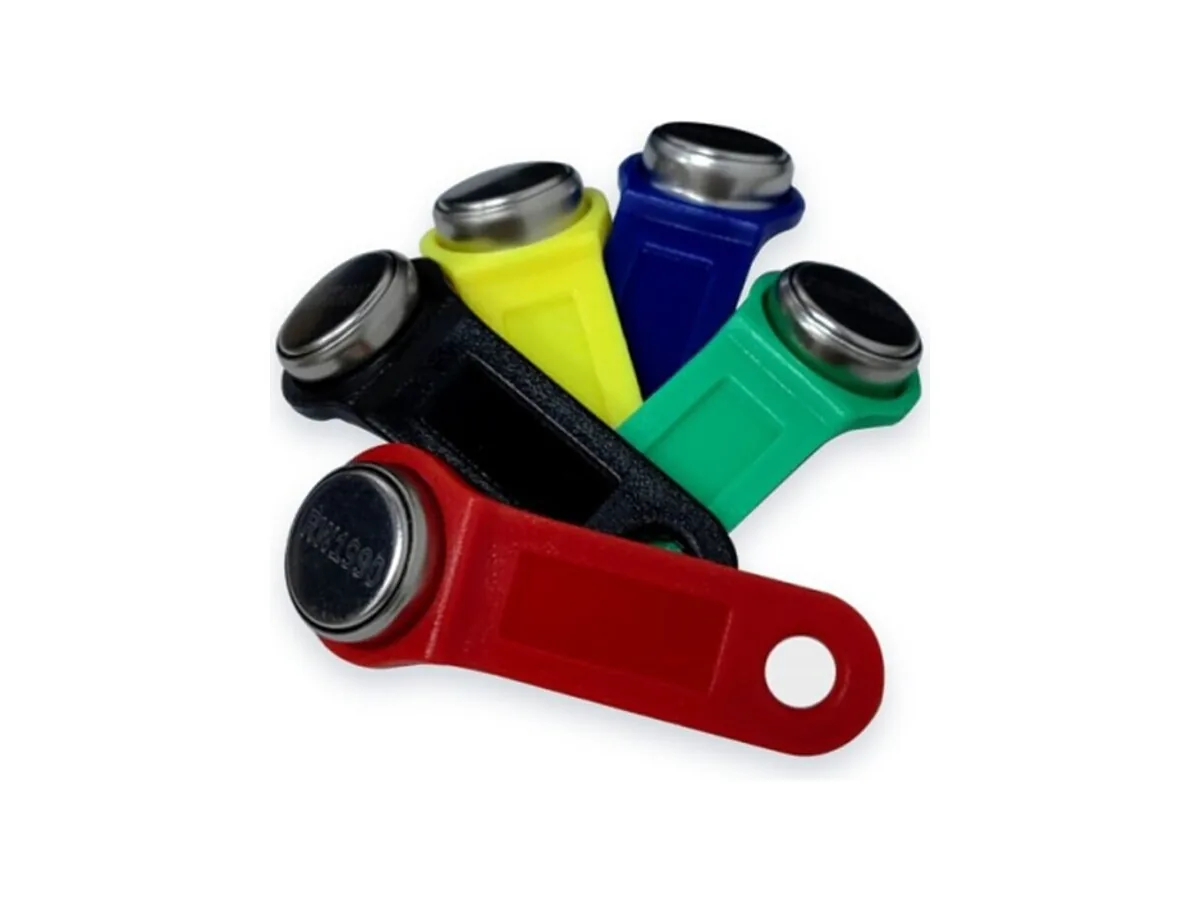
Choosing an intercom blank: model and format checks
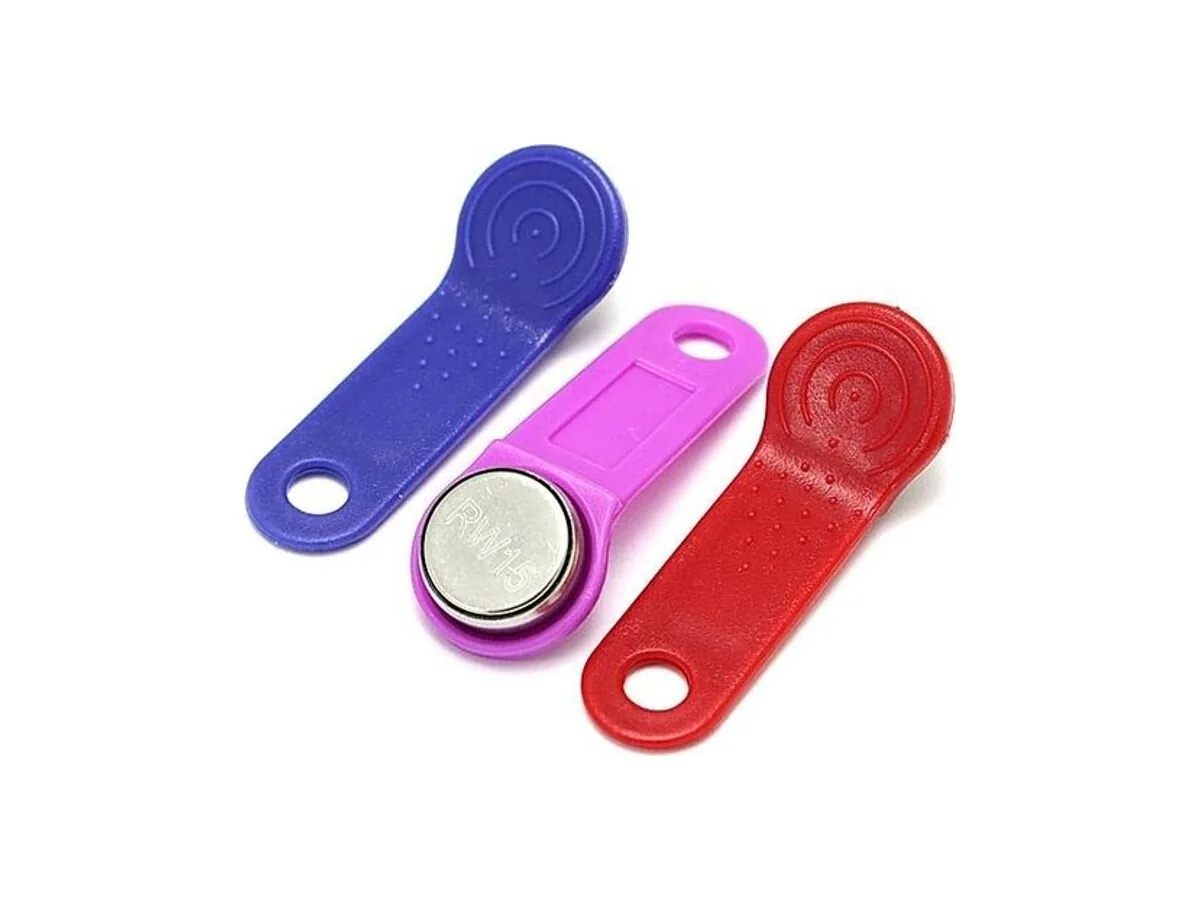
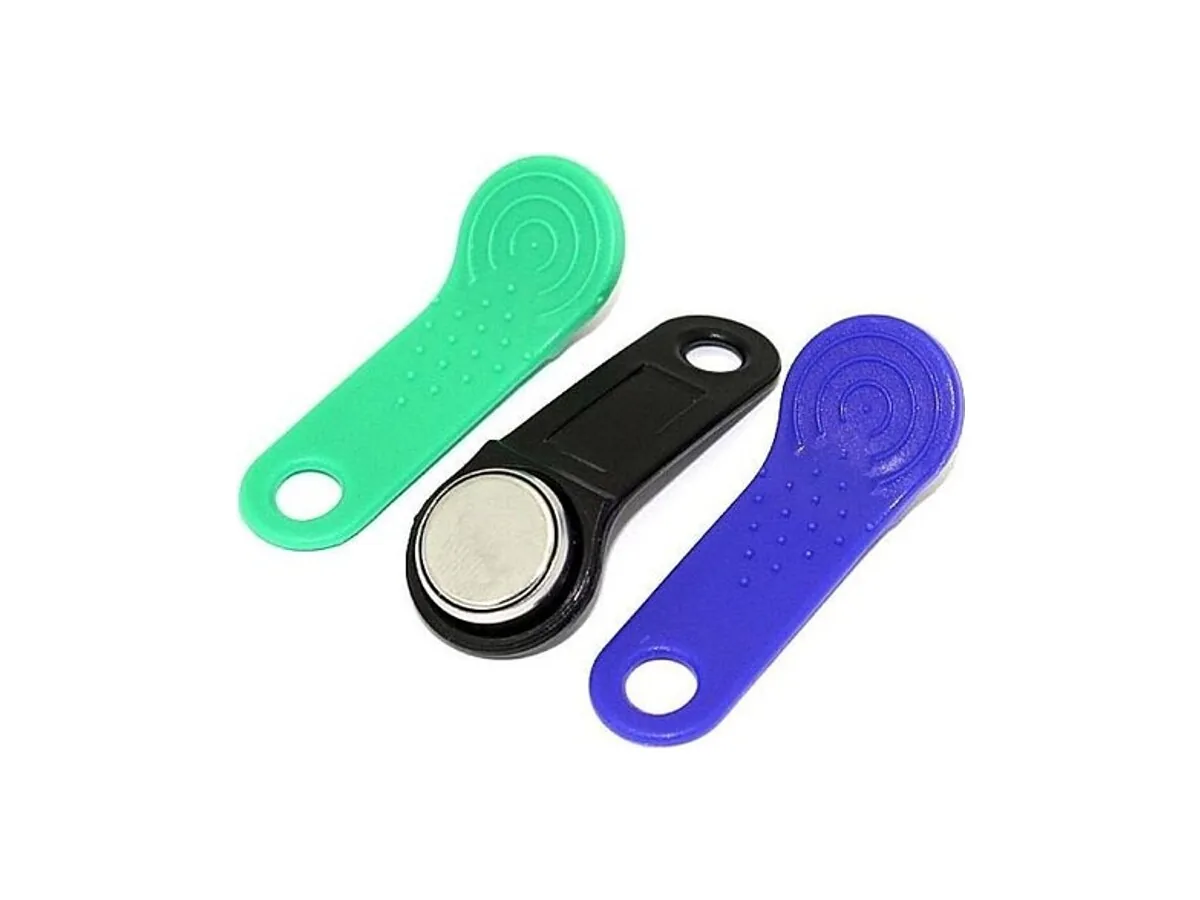
Use Vizit, Cyfral, Metakom and Eltis names as starting points, then confirm the panel, firmware, credential format and writer support. Compare candidate blanks and validate samples before buying.
Use this table to identify candidate blanks. A brand name alone does not establish compatibility: confirm the panel model, firmware, credential format, writer and supplied version, then test acceptance in the target system.
| Intercom / panel | Format branch | Blank candidate | Notes |
|---|---|---|---|
| Vizit contact models | Confirm the exact panel format | RW1990 candidate if Dallas/1-Wire is confirmed | Check panel and writer models, firmware and supplied blank version. Test readback and panel acceptance. |
| Eltis models | Confirm contact or contactless format | Select after identifying the format | Do not carry an approval from one Eltis model to another. Consider RW1990 only for a confirmed compatible format and tested configuration. |
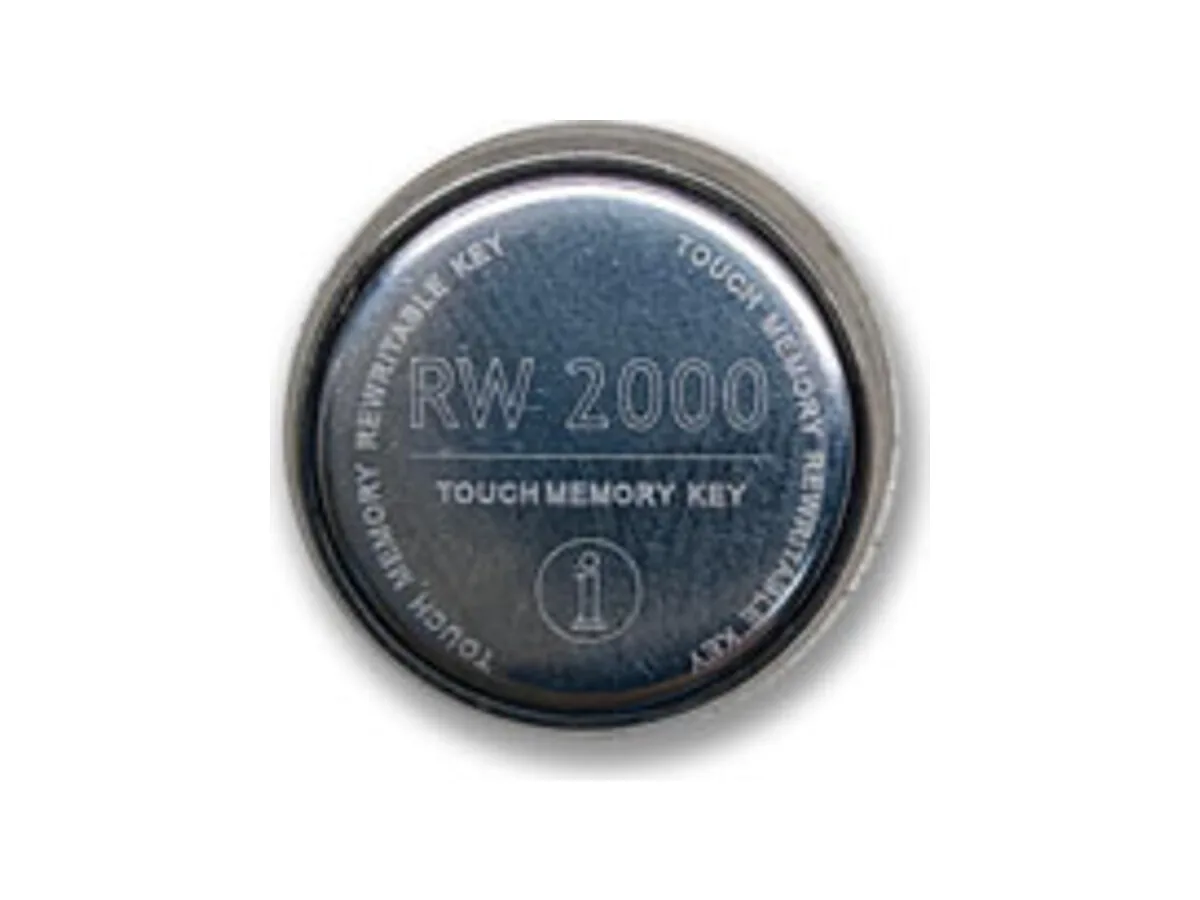
| Cyfral models | Verify the model-specific credential format | Matching-format blank; confirm the supplied version | For a confirmed Cyfral format, ask about an appropriate RW2000 or TM08v2 version. Brand and shell shape alone cannot confirm acceptance. |
| Metakom models | Verify the model-specific credential format | Matching-format blank; confirm the supplied version | For a confirmed Metakom format, evaluate a documented matching version. Do not assume results from a Cyfral panel apply. |
| Contactless panel | Frequency, protocol and access configuration required | Select from the confirmed RFID format | A plastic reading surface does not establish frequency or support for T5577. TM contact blanks are a different interface. |
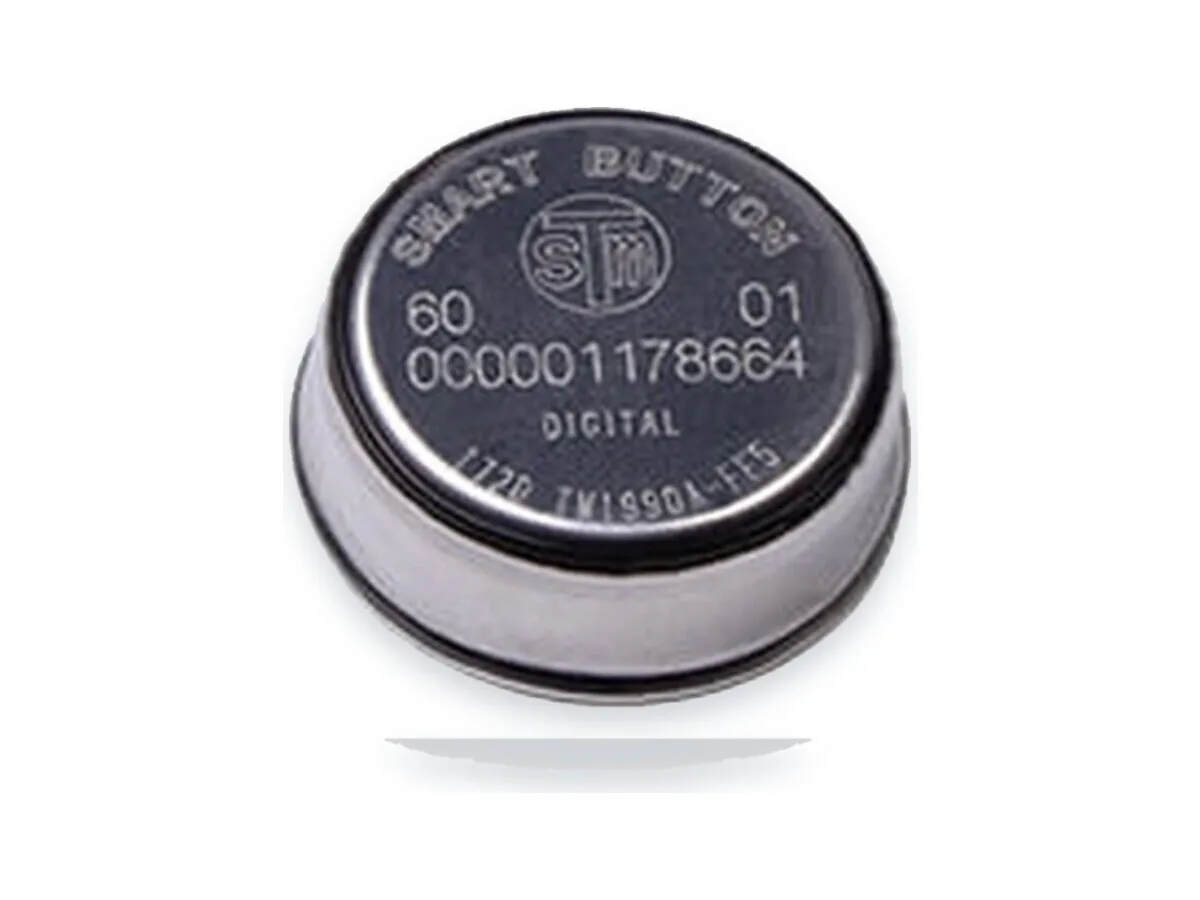
| Controller requires on-key data | Confirm memory map and commands | Evaluate the documented memory-device version | An ID-only blank may not meet a memory application. Confirm whether RW2004/TM2004 or another device meets the controller requirements. |
| Site requires write locking | Confirm the accepted credential format | Evaluate a documented OTP version | Verify lock behaviour and panel acceptance. OTP limits rewriting that blank; it does not itself prevent the readable ID being copied to another device. |
| Unknown or mixed installation | Inventory each device before ordering | Keep candidates separate by tested configuration | A multi-format blank such as TM08v2 still needs version, writer and panel checks. There is no supported claim here that one blank opens every system. |
Will an RW1990 blank work on a Cyfral door?
The Cyfral brand alone is not enough to decide. Identify the panel model, firmware and credential format. RW1990 is a candidate for supported Dallas/1-Wire configurations; if the required format differs, select a matching blank and verify it with the actual writer and panel.
Is there one blank that opens everything?
Do not select a blank on an “opens everything” claim. Even a multi-format blank must match the supplied version, writer support, panel firmware and access policy. Test each configuration separately; no lifetime rewrite count is confirmed here.
How do I tell whether a panel is contact TM or RFID?
A contact recess and a contactless reading area are useful initial clues. Confirm the reader model and manual before choosing a credential: appearance does not establish the RFID frequency, protocol or whether a particular blank is accepted.
What evidence helps identify the format?
Collect panel and reader labels, firmware versions and a readout from a supported writer. Compare them with the device manual. A family code is only a format clue, and an unreadable key may also reflect contact, power, wiring or device-support problems.
Related products: RW1990 · RW2000 · TM08v2 · TM-01A · RW2004 · T5577
Buying blanks for resale or key services? Review the version, sample checks and bulk-order requirements: RW1990 wholesale supply
Dallas, Maxim and iButton are trademarks of their respective owners. Touch Memory China is not affiliated with these trademark owners.